
3D mockups for contractors
Build the job you are quoting in 3D and send it to your client. They look round it on their own and move things for themselves: a deck made deeper, a fence run longer, the furniture set out another way.
For deck and fence builders, remodelers, landscapers and home builders. Sign in with a link sent to your email.
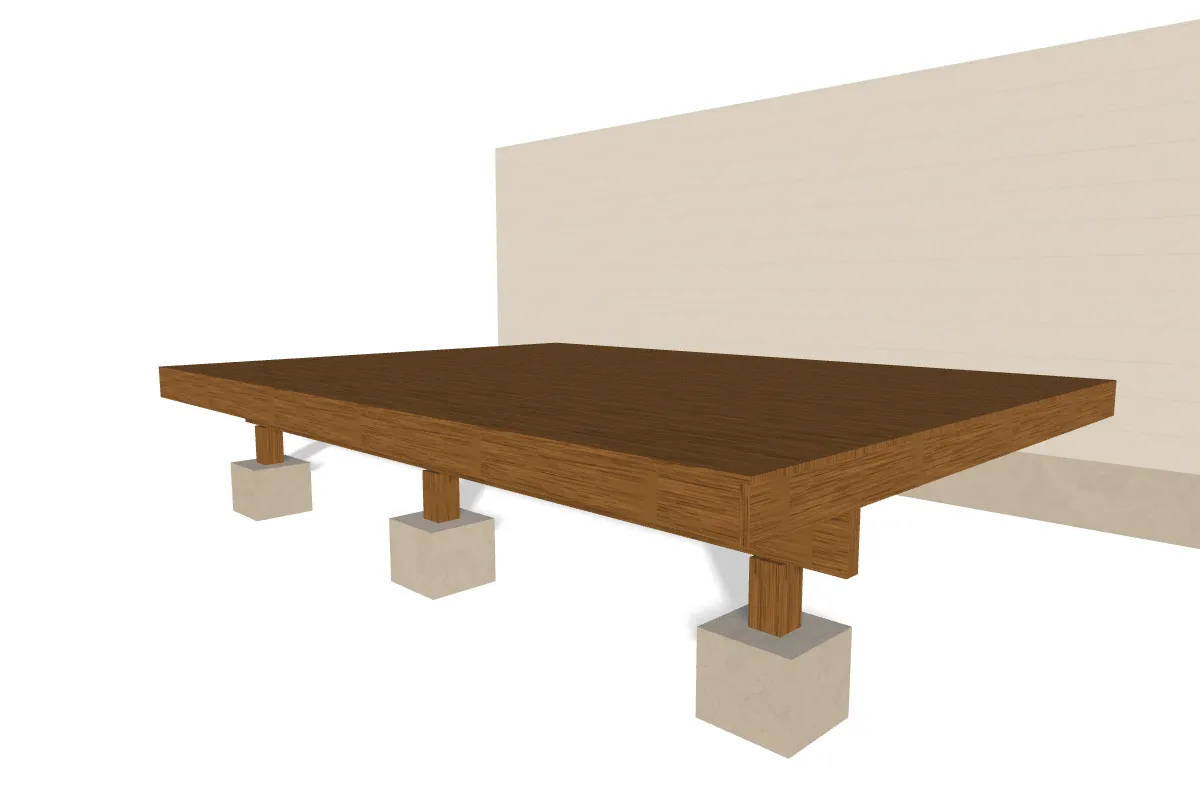
A job to look round and adjust.
Publish the job and anyone you send it to can open it. Your client turns it to see every side and drags the handles you opened, a deck’s edge or a fence’s end, and it is framed again as they go. Nothing they change is kept, so your design stays as you left it.
A job to work on together.
Add your client by their email and the job is theirs to change too. They move the furniture, try the door on another wall or set the beds out another way, and you see each change as they make it.
From your quote to your client’s screen.
Build the job
Draw the deck, the fence, the kitchen or the whole house at its real sizes, or start from your client’s floor plan. Our builders frame it and count every piece.
Say what they may change
Tell Ask which sizes are open and how far each may go, such as a deck from 10 to 16 ft deep. Everything else stays where you put it.
Send it over
Publish the job and send it to your client. It opens on a desk or on a phone, with no account to make.
What a job gets.
The job at its real sizes
Every wall, post and board is drawn at the size it will be built. Your client sees how far the deck comes out and how much lawn is left.
Their changes, within yours
An open size moves only as far as you allow and in the steps you build in. Whatever they drag it to is something you can build.
Parts counted as they go
Each change is framed again and its pieces counted, board by board. You both see what a bigger deck takes.
A photograph of it finished
Turn any view into a photograph at the hour you choose, with the stain or the planting your client has in mind, and send it with the quote.
On your own site too
A published job comes with one line of HTML that frames it on a page of yours, for the work you want to show.
One account for your jobs
Each job is a property of its own. One account keeps twenty of them.
Asking Ask, reading a floor plan, making a model and taking a photo draw on AI credits. You start with free ones, and buy more when they run out.
Questions
- Does my client need an account?
- Not to look round a published job and drag what you opened. To change anything else, add them by their email and they sign in with it.
- Can a client undo my work?
- Not on a published job. They move only what you opened, as far as you allowed, and nothing they change is kept. It opens as you left it every time.
- What can they drag?
- Whatever you open: how far a deck, a patio or a bed comes out, how tall a wall or a fence stands, how long a fence runs, or where a wall stands.
- Can they rearrange the whole thing?
- Yes, once you add them by their email. Then the job is theirs to edit as it is yours, and what they change is kept.
- Is it a quote?
- It is the drawing that goes with yours. It counts every piece it draws, laid out by the usual rules, which is close enough to price a job. The prices are your own.
- What does it cost?
- An account is free, and starts with credits for the AI features. A paid account adds exports, downloads, more models and more properties.
More to look at
Start with the job you are quoting.
Build it once at its real sizes, open what your client may change, and send it over.
Mock up your first job