

Build Update #3
 SpencerHausCraftedited
Fresh lawns, a new pool and a can of orange paint. Here's what's new since yesterday.
Every example has a yard
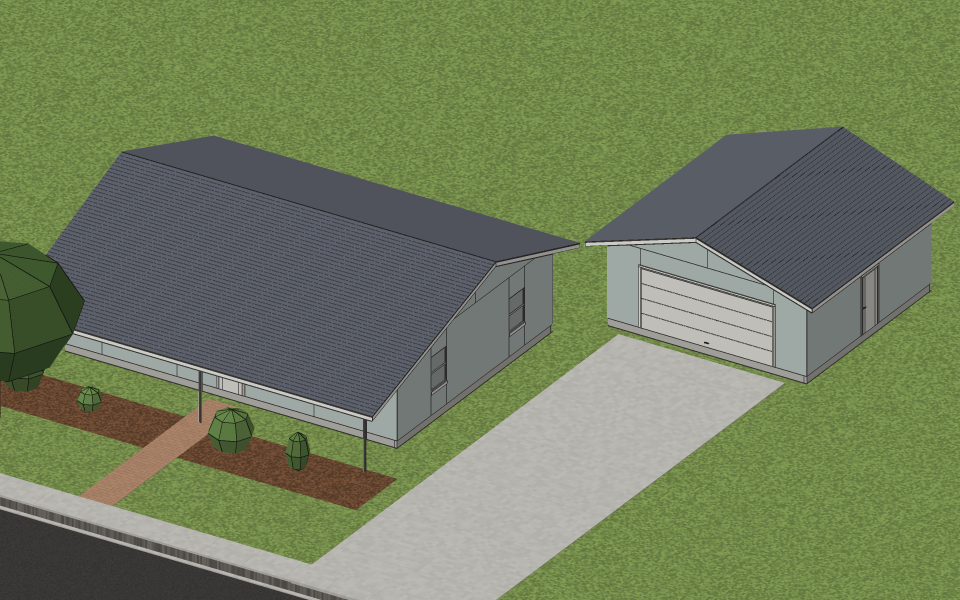
Each example style now stands on its own lot with a lawn, a curbed street, a sidewalk, a paver walk to the front door, mulch beds with shrubs and a red maple, and a drive where there's a garage. The Craftsman, Foursquare, Colonial and Modern farmhouse have a detached garage roofed to match the house. Take a stroll through them on the examples page.
Grade your lot, dig a pool
Grade is new under Insert. Draw an area and raise it or cut it down, and its bank slopes back to the ground around it. Give each corner its own height, and a lot slopes evenly from one side to the other. Fences and garden walls follow the slope, and a deck's posts reach down to the ground.
Pool is new under Insert too. It's dug into the ground with a shell, the water sits 6 in below grade with a 12 in concrete coping, and it can be 3 to 12 ft deep. Cannonballs at your own risk.
Spray paint
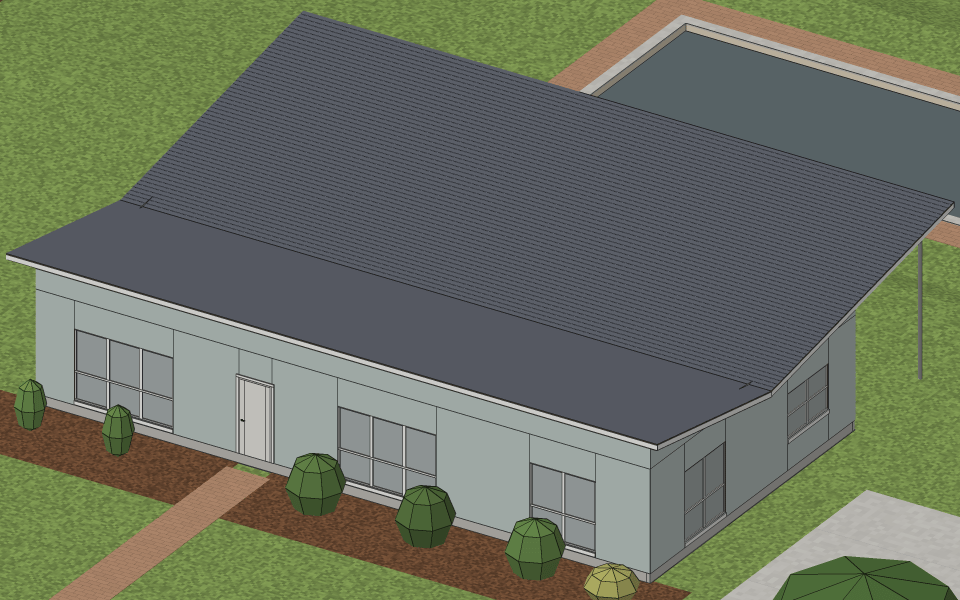
Spray paint is a new area: orange marking paint along its sides, the way a crew marks out a site, with lengths sprayed beside it. A new property starts with the house marked out in spray paint, 40 × 30 ft in the middle of the lot, and setup takes it up when it lays the house.
Also new
Styles and examples
- The barndominium's shop has a garage door.
- The examples pages show each house on its lot from the front, and a style's page shows its house in its yard, also when you open a copy in the editor.
Your lot
- Grades can sit one over another.
- Screens follow the slope too, with every board on the ground under it, and a deck's footings reach down with its posts.
- Basements open the ground around them.
In the editor
- A property with no walls yet opens in Freelook with a walkthrough: draw a building, add inside walls in Overhead, then a door, windows and the roof. Each step moves on once it's done, and the keys tour is offered at the end.
- Type a length while you draw or drag, with digits, ' and ", no field to click. Backspace edits, Esc clears and Enter lays it. A room takes width,depth. Habits from SketchUp, AutoCAD and Revit work.
- Keys 1 to 9 pick tools: building, wall, door, window, roof, open room, deck, fence and stair. Press ? for the list of keys.
- Doors, windows and items stay in hand after you place one, so you can place another, until you press Esc.
- The status line says what the tool or drag wants next. Off a Mac, keys show as Ctrl, Alt and Shift.
- Clicking a row in the Outline, on the minimap or in ⌘K picks it, just like a click in the scene. Three clicks pick a one-level building whole, and two rooms picked together both light up in the Outline.
- A roof can be picked while only its rafters show.
Community
- A category with unread posts has a blue icon on the community overview.
Fixes
- Properties with grading can now be pictured. Before, their photos failed.
- Signed in, hauscraftai.com shows the home page again instead of jumping to your properties.
- A property name longer than 60 characters is no longer cut in the middle of an emoji. 🏡 stays whole.
- Cut lists read "In all — 2×4: 16 ft".
Now go grade a lot, dig a pool, and show us what you built in Builds and projects, with your house on a line of its own so we can all give it a spin. Tell us what you think in Discussion, too.
'56 mid century modern.